What Is Correct Sitting Posture?
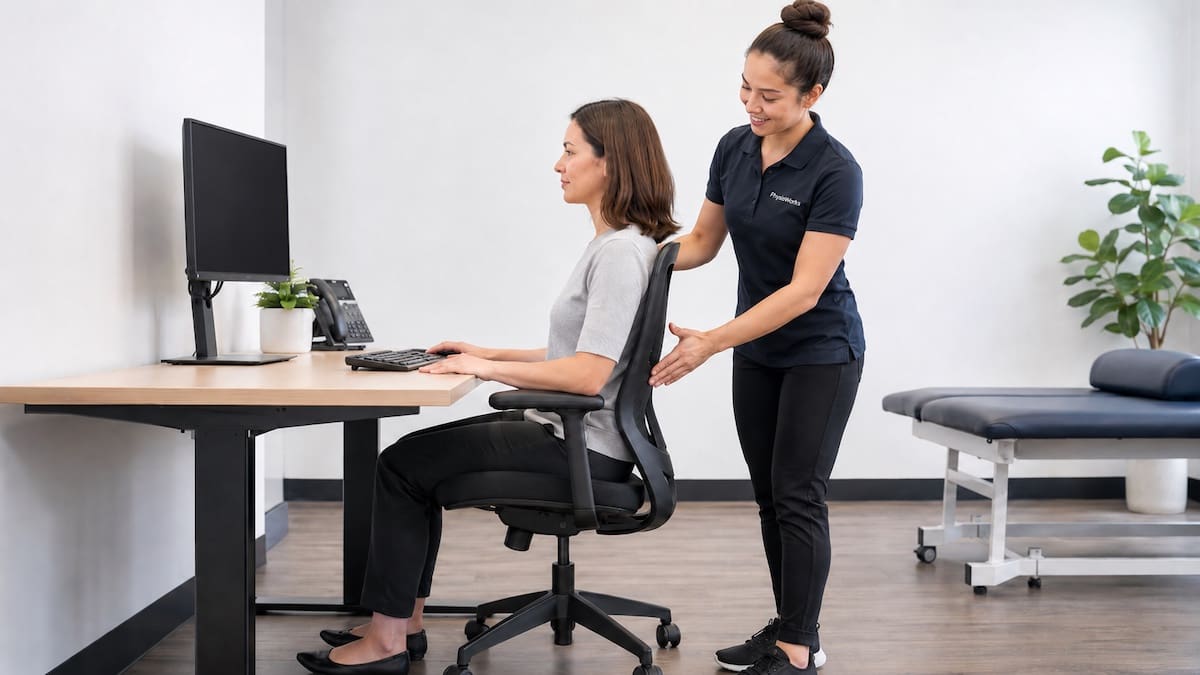
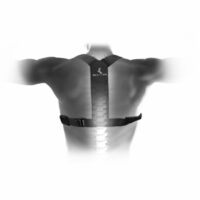
Correct sitting posture uses a supported, relaxed position. Your lower back should rest against the chair, your feet should sit flat on the floor or on a footrest, and your shoulders should stay relaxed. Your head should sit over your shoulders rather than poking forward.
This setup may help reduce neck, shoulder, and lower back strain during prolonged sitting. Sitting posture is often linked with neck pain, lower back pain, headaches, and shoulder tension.
Good Sitting Posture Checklist
Use this simple checklist when setting up a desk, study area, car seat, or home workstation.
Sitting Posture Setup
- Feet: keep both feet flat on the floor or supported by a footrest.
- Knees: keep knees level with or slightly below the hips.
- Hips: sit back into the chair rather than perching on the front edge.
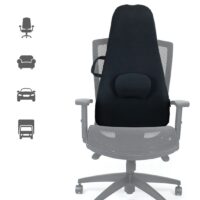
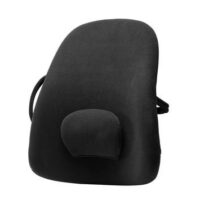
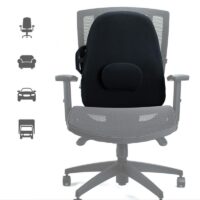
- Lower back: use the chair back or lumbar support to maintain a gentle curve.
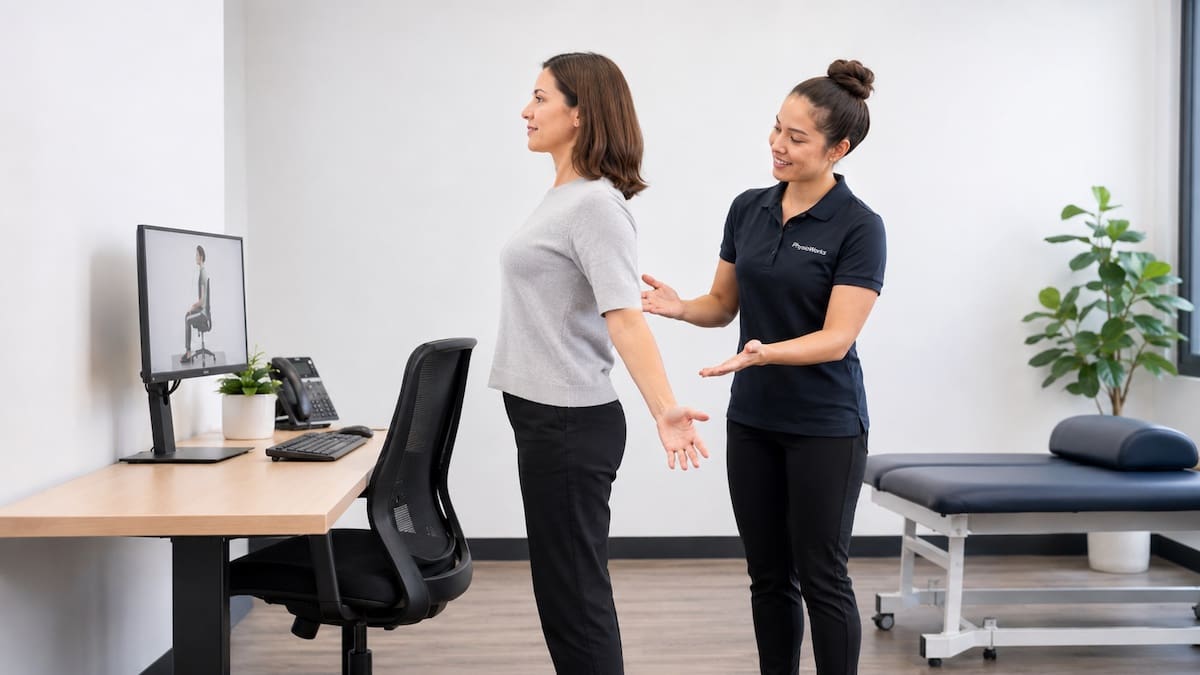
- Shoulders: keep shoulders low, relaxed, and not hunched.
- Head: keep your head aligned over your shoulders, not reaching towards the screen.
Why Sitting Posture Matters
Short periods of slouching are unlikely to cause harm. The issue is usually sustained loading. Long periods of unsupported sitting can increase muscle effort and stiffness, especially through the neck, upper back, and lower back.
Posture is only one part of the picture. Workload, sleep, stress, strength, movement breaks, screen habits, previous injury, and total sitting time can all influence pain. This is why many people need more than a new chair to feel better.
Chair Support and Lower Back Position
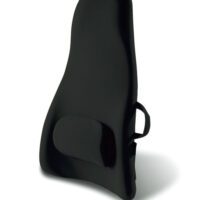
A supportive chair should let you sit back with your lower back supported. The seat height should allow your feet to rest comfortably, without your thighs being forced upward or your feet dangling.
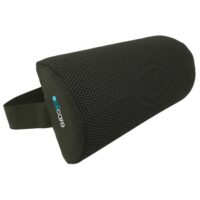
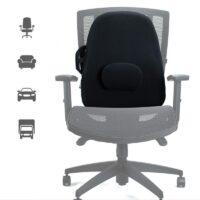
A small lumbar support may help some people maintain a comfortable lower back curve. Others feel better with a slightly reclined backrest. The right option is the one that reduces strain and still lets you move.
Screen Height, Keyboard, and Mouse Position
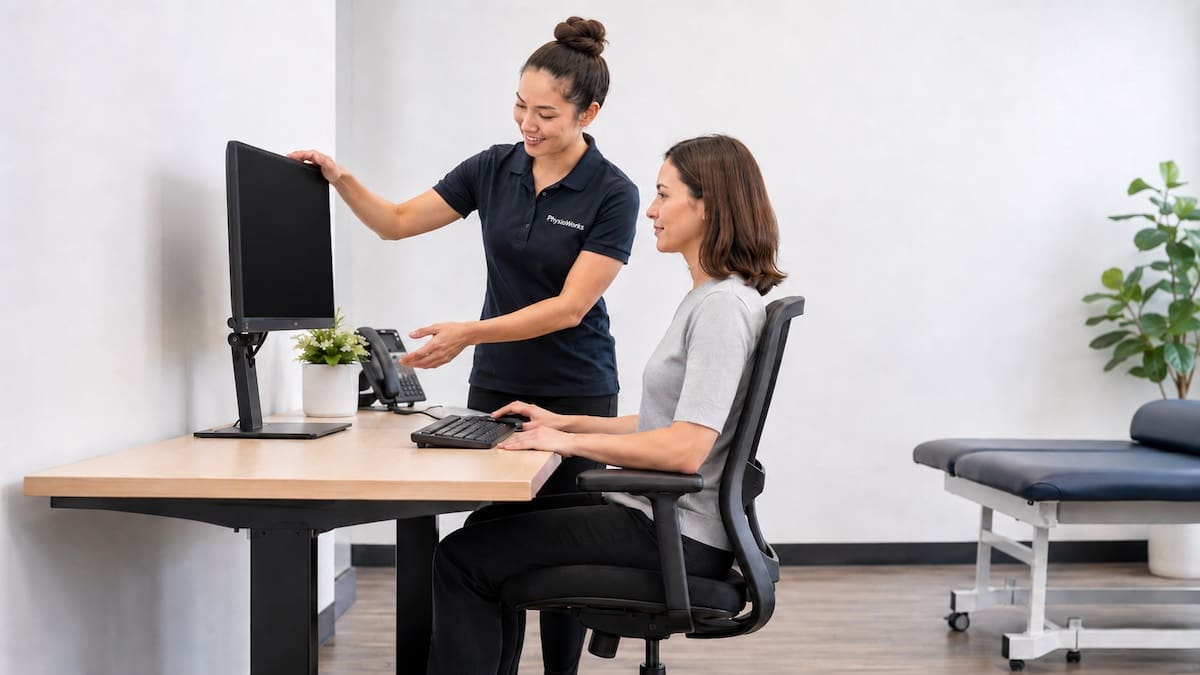
Your screen should sit high enough that you do not need to bend your neck forward. A practical guide is to place the top part of the screen close to eye level, then adjust it to suit your vision and comfort.
Keep your keyboard and mouse close enough that your elbows can rest near your body. Your wrists should stay fairly straight, and your shoulders should not need to lift or reach forward.