
Ergonomic Workstation Assessment


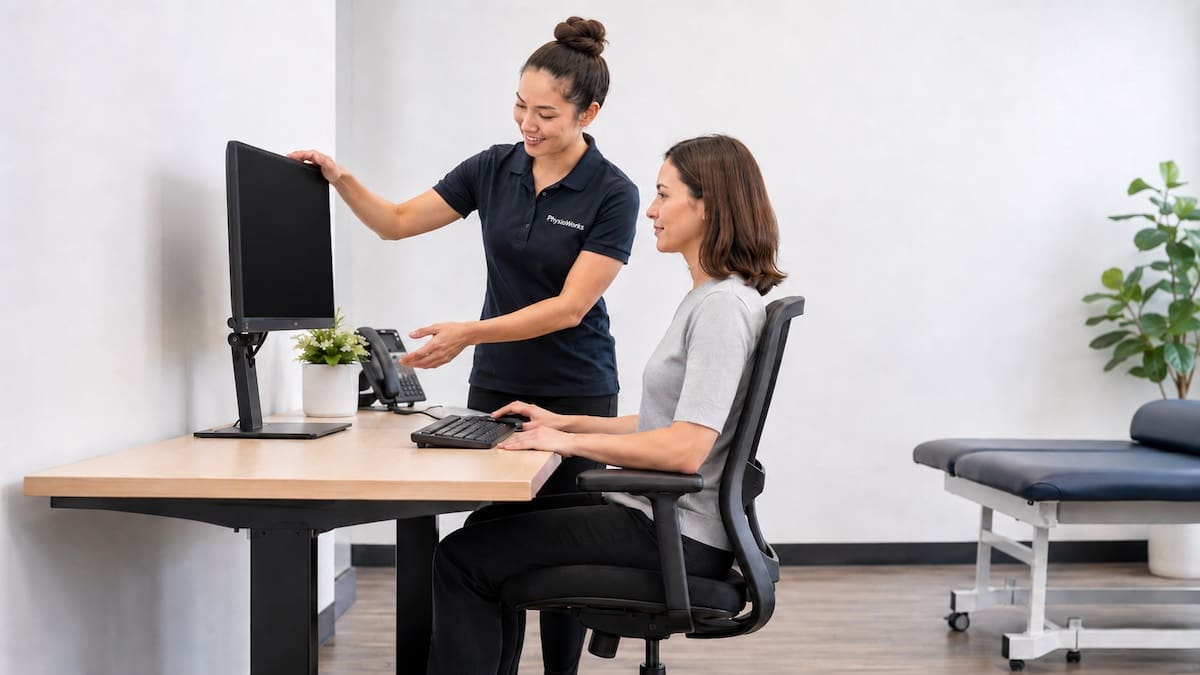
Desk Setup Help for Neck, Back and Shoulder Comfort
Ergonomic workstation assessment helps you set up your desk, chair, screen, keyboard and mouse to better match your body and work tasks. This can reduce avoidable strain from long desk days and help you build a more comfortable work routine.
A good workstation is more than a good chair. Screen height, keyboard reach, mouse position, lighting, foot support and break habits all affect how your neck, shoulders, wrists and back cope.
This page explains what we check, which changes may help, and when to book a review. For a broader workplace plan, start with our ergonomics services. For sitting basics, see Correct Sitting Posture.
Quick Answer
An ergonomic workstation assessment reviews how your work area fits your body, symptoms and tasks. It usually checks your chair, desk, screen, keyboard, mouse, laptop use and work habits.
The goal is simple: reduce avoidable strain, improve comfort, and give you clear changes to trial at work or home.
What Does Ergonomics Mean?
Ergonomics means fitting the task to the person. For desk work, this means setting up your workstation so you can sit, stand, reach and type with less strain.
It also means adding movement variety. Even a tidy posture can become tiring if you hold it too long. If posture fatigue builds during the day, our posture correction guide may help you understand the next steps.
Who May Benefit?
- Office workers with neck, shoulder or upper back tightness
- People using a laptop for long hours
- Work-from-home staff using a temporary setup
- People with wrist, hand or forearm symptoms during typing or mouse use
- Workers who feel stiff, sore or tired after long sitting blocks
- Teams that need a clear workplace setup and wellness plan
If symptoms already affect your day, also see our guides to neck pain, back pain, repetitive strain injury (RSI) and carpal tunnel syndrome.
What an Ergonomic Workstation Assessment Checks
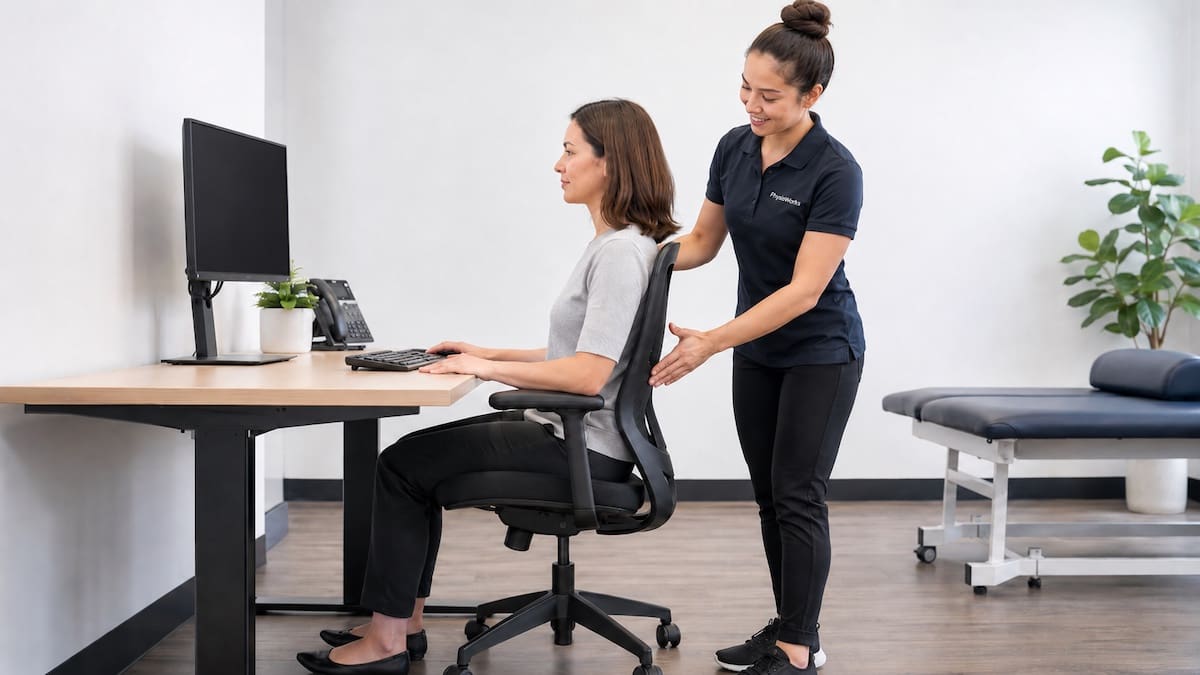
A PhysioWorks assessment reviews your full setup, then tests changes in a practical order. The aim is not to make your desk look perfect. Instead, we focus on the changes most likely to help your body cope with your real workday.
| Area Checked | Why It Matters |
|---|---|
| Chair and desk | Seat height, lumbar support, desk height and foot contact affect back and shoulder load. |
| Screen position | Monitor height and distance can change neck posture and eye strain. |
| Keyboard and mouse | Reach distance affects forearm, wrist, neck and shoulder tension. |
| Laptop use | A laptop-only setup often places the screen too low and the keyboard too close. |
| Work habits | Breaks, movement and task variety help reduce long static loading. |
Common Desk Setup Changes
Small changes can make a clear difference. Your physiotherapist may suggest one or two changes first, then review how your symptoms respond.
- Raise the screen so your eyes look slightly down to the middle of the screen
- Bring the keyboard and mouse closer so your shoulders stay relaxed
- Use a separate keyboard and mouse when working on a laptop
- Support your feet or adjust chair height so your legs feel settled
- Keep your mouse beside the keyboard, not far out to the side
- Break long sitting blocks with short, frequent movement
Simple Starting Point
Try changing one thing at a time. For example, adjust screen height for one week, then review neck, shoulder and eye comfort.
Changing everything at once can make it harder to know what actually helped.
Can an Ergonomic Assessment Help Neck and Back Pain?
It may help when symptoms flare during long desk work. The strongest plans usually combine two parts: workstation changes that reduce strain, and simple exercises that build tolerance.
For example, someone with desk-related neck pain may need monitor and keyboard changes plus neck, shoulder and upper back strength work. Someone with lower back pain may need sitting changes, standing options and a plan to build load tolerance.
For more detail, see posture exercises and posture correction.
Remote Ergonomic Workstation Assessments
Remote assessments suit work-from-home setups because your physiotherapist can review your real desk, chair and equipment in real time. This helps us see the setup you actually use, not a rough description of it.
You can still receive clear changes to trial. These may include screen height, laptop setup, chair changes, foot support, lighting, headset use, mouse position and planned movement breaks.
How a PhysioWorks Plan Supports Longer-Term Results
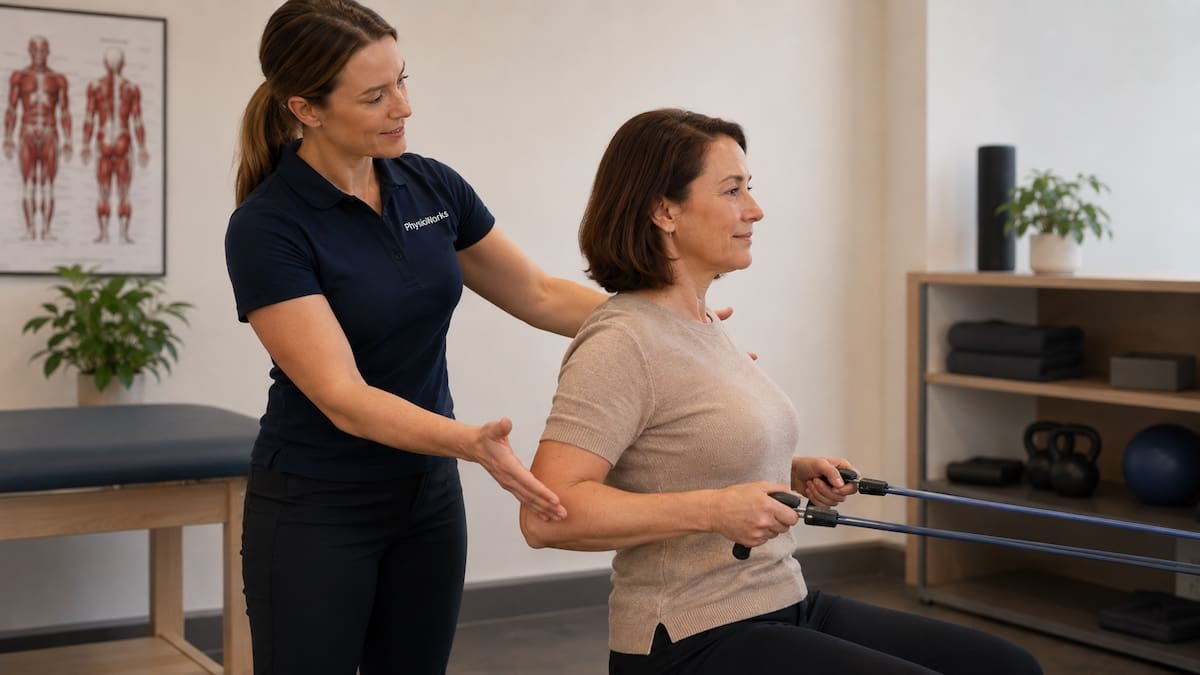
Workstation changes work best when you also build capacity. That may include posture endurance, shoulder blade control, mobility work and symptom-specific strategies.
If hand or wrist tingling is part of the problem, your physiotherapist may also check whether symptoms fit patterns such as carpal tunnel syndrome or RSI.
Workplace and Corporate Assessments
PhysioWorks can also support teams and organisations with broader workplace programs. These can help staff understand safe setup, work habits and early symptom management.
- Corporate wellness
- Workplace wellness program
- Functional capacity evaluation (FCE)
- Pre-employment functional assessment
For a national workstation setup checklist, see the Safe Work Australia workstation infographic.
When Should You Book an Assessment?
Book an ergonomic workstation assessment if desk work keeps stirring symptoms, if your home setup feels awkward, or if your symptoms return whenever your workload increases.
It is also worth booking if you are unsure whether your symptoms come from your desk, your work habits, or reduced strength and movement tolerance.
Ergonomic Workstation Assessment FAQs
What is an ergonomic workstation assessment?
An ergonomic workstation assessment reviews your desk, chair, screen, keyboard, mouse, laptop setup and work habits. A physiotherapist checks what may be adding strain and recommends practical changes to trial.
Can an ergonomic workstation assessment help neck and shoulder pain?
It may help when symptoms link to long sitting, poor screen height, forward head posture or awkward keyboard and mouse position. Many people do best when desk changes are paired with simple strength and mobility work.
What should my monitor height be?
A common starting point is to place the top of the screen near eye level, with your eyes looking slightly down to the centre of the screen. Your ideal height may vary with glasses, screen size and desk height.
Do work-from-home setups need ergonomic assessment?
Yes. Home setups often involve laptops, dining chairs or shared spaces. A remote ergonomic assessment reviews your actual setup and gives clear changes that suit your space and equipment.
How often should I take breaks from desk work?
Most people do better with short, regular movement breaks. Try standing or moving briefly every 30 to 45 minutes. Small breaks often work better than one long break later in the day.
What to Do Next
First, note when symptoms flare. Write down the time of day, task and position. Next, trial one or two setup changes for a week, such as screen height or keyboard distance.
If symptoms keep returning, book an ergonomic workstation assessment. A physiotherapist can prioritise the highest-impact changes and help you build a simple plan for better work tolerance.
Choose your clinic and appointment pathway
Select a PhysioWorks clinic to continue to live booking, an appointment request or reception assistance.
Back Support Products
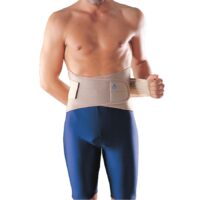
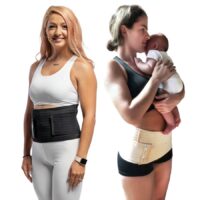
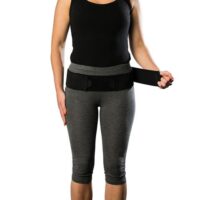
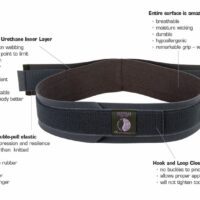
These back support products are commonly used by our physiotherapists to help reduce back pain, improve comfort, and support your recovery at home.
-
-
 Back, Braces & Supports, Maternity, Posture
Maternity Back Support – OPPO 2062
$60.00 – $64.00Select optionsQuick View - Braces & Supports, Back, Maternity, SIJ
AOM38 AllCare Ortho Core Stability Belt
$49.95Select optionsQuick View -
-
-
 Braces & Supports, Back, Maternity, SIJ
Maternity Support Belt – OPPO 4062
$37.00Select optionsQuick View -
 Back, Braces & Supports, Maternity, SIJ
Core Stability Support – OPPO 3462
$54.00Select optionsQuick View -
 Back, Braces & Supports, Maternity, Posture
Pregnancy Belly Band & C-Section 3-in-1
$94.99Select optionsQuick View



References
- Jones LB, Jadhakhan F, Falla D. The influence of exercise on pain, disability and quality of life in office workers with chronic neck pain: a systematic review and meta-analysis. Appl Ergon. 2024;117:104216. doi:10.1016/j.apergo.2023.104216
- Kuijer PPFM, van der Wilk S, Evanoff B, Viikari-Juntura E, Coenen P. What have we learned about risk assessment and interventions to prevent work-related musculoskeletal disorders and support work participation? Scand J Work Environ Health. 2024;50(5):317-328. doi:10.5271/sjweh.4172
- Santos W, Rojas C, Isidoro R, et al. Efficacy of ergonomic interventions on work-related musculoskeletal pain: a systematic review and meta-analysis. J Clin Med. 2025;14(9):3034. doi:10.3390/jcm14093034
- Johnston V, Jackson K, Welch A, et al. Evaluation of an exercise and ergonomics intervention for the prevention of neck pain in office workers: exploratory analysis of a cluster randomised trial. Occup Environ Med. 2022. doi:10.1136/oemed-2022-108275
- Lee S, de Barros FC, de Castro CSM, Sato TO. Effect of an ergonomic intervention involving workstation adjustments on musculoskeletal pain in office workers: a randomised controlled clinical trial. Ind Health. 2021;59(2):78-85. doi:10.2486/indhealth.2020-0188