What Is the Correct Sitting Posture?


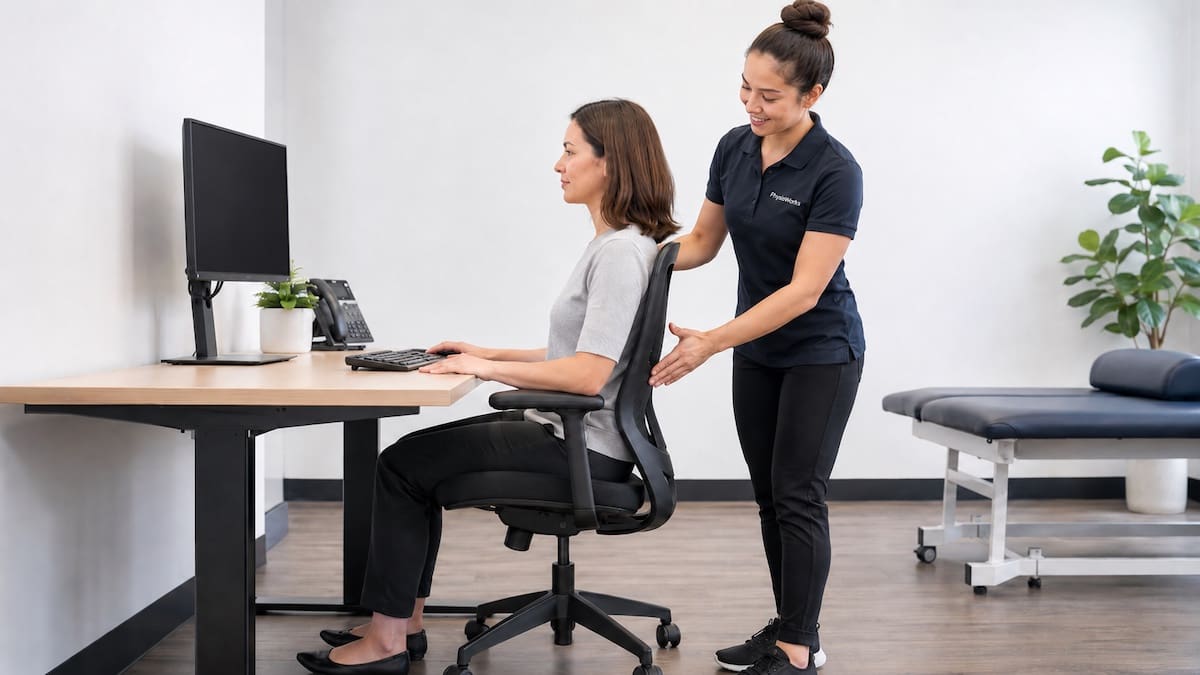
Correct sitting posture means finding a comfortable, supported position that suits your body and activity. Resting your feet, supporting your back and positioning your screen comfortably can make sitting easier. However, you do not need to sit perfectly straight all day.
There is no single perfect posture for everyone. A good workstation should support comfort, allow easy movement and help you change position regularly. For broader advice, see our Posture Correction, Exercises & Physiotherapy Guide.
What Is Good Sitting Posture?
Good sitting posture is a relaxed position that supports your body while you work, study, drive or use a screen. Your chair, desk and screen should make the activity comfortable without forcing you to hold a rigid position.
Supporting your lower back may help. So can resting your feet, relaxing your shoulders and avoiding unnecessary reaching. However, the most comfortable sitting position varies between people.
Sitting discomfort may involve the neck, shoulders or lower back. Posture is only one possible contributor to these symptoms.
Good Sitting Posture Checklist
Use these six practical checkpoints when arranging your desk, chair or home workstation. Treat them as starting points, not strict rules.
Feet
Rest your feet on the floor or use a footrest if your chair is too high.
Knees and hips
Try sitting with your hips level with or slightly above your knees. Adjust this position for comfort.
Lower back
Use your chair back or a small lumbar cushion if it helps you sit comfortably.
Shoulders
Keep your shoulders relaxed and position frequently used items within easy reach.
Head and neck
Adjust your screen so you can look at it without repeatedly leaning forward or craning your neck.
Movement
Change position regularly. No single sitting posture needs to be maintained throughout the day.
Why Does Sitting Posture Matter?
Long periods of sitting may contribute to stiffness, fatigue or discomfort, particularly when you have limited opportunities to move.
However, slouching briefly is not automatically harmful. Similarly, sitting upright does not guarantee freedom from pain.
Workload, sleep, stress, physical activity, previous injuries and individual sensitivity can all influence symptoms. Therefore, changing your chair or posture may help, but it is not always the complete solution.
How Should You Adjust Your Chair?
Start with the chair height. Your feet should feel supported without uncomfortable pressure beneath your thighs. If you raise the chair to match a higher desk, a footrest may help.
Use the backrest when comfortable. Some people prefer sitting upright, while others find a slightly reclined position more comfortable.
A small lumbar cushion may provide useful support. However, you do not need to force your spine into one particular curve.
Choose a position that lets you work comfortably and change posture without difficulty.
What Is the Best Screen, Keyboard and Mouse Position?
Position your monitor where you can see it clearly without repeatedly bending or extending your neck. Having the top of the screen around eye level is a useful starting point for many desktop setups.
Adjust this height to suit your vision, glasses, screen size and preferred working position.
Keep your keyboard and mouse close enough that your elbows can remain reasonably near your body. Avoid raising your shoulders or repeatedly reaching forward.
If you mainly use a laptop, consider a stable laptop stand with a separate keyboard and mouse. This allows you to adjust the screen and arm positions independently.
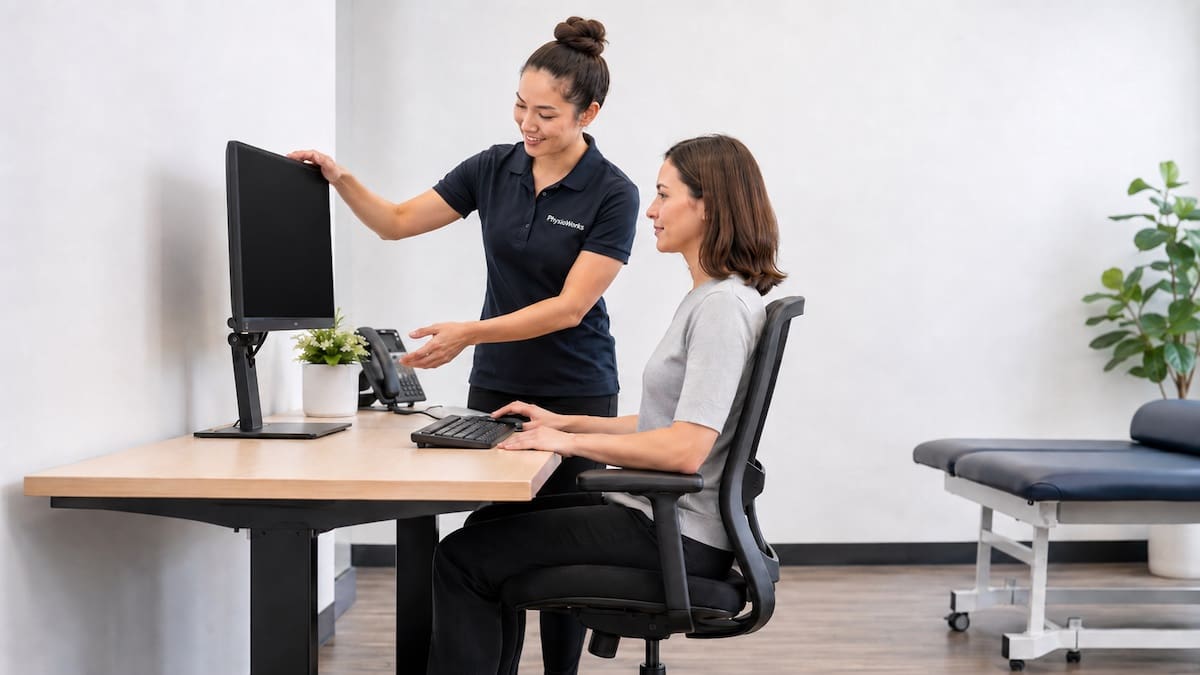
For more detailed advice, see our Ergonomic Workstation Assessment information.
Is There One Perfect Sitting Posture?
No. There is no single perfect sitting posture. Different people, chairs and activities require different positions.
For example, you might sit upright while typing, lean back while reading and stand during a phone call. Each position can be reasonable when it feels comfortable and suits the task.
The aim is not to hold your spine in one fixed alignment. Instead, find comfortable positions and vary them throughout the day.
How Often Should You Move When Sitting?
As a practical starting point, consider a short movement break every 30 to 60 minutes. This is a flexible guide, not a compulsory schedule. Move sooner if you become uncomfortable.
-
Change your sitting position
Shift your position, use your backrest or slightly adjust your chair. Small changes can provide variety.
-
Stand or walk briefly
Walk to get water, move during a phone call or stand between tasks.
-
Move your neck, shoulders and back
Try gentle movements that feel comfortable. Avoid forcing a stretch or movement that increases symptoms.
-
Make movement a habit
Link breaks to regular activities such as meetings, phone calls or completing a task.
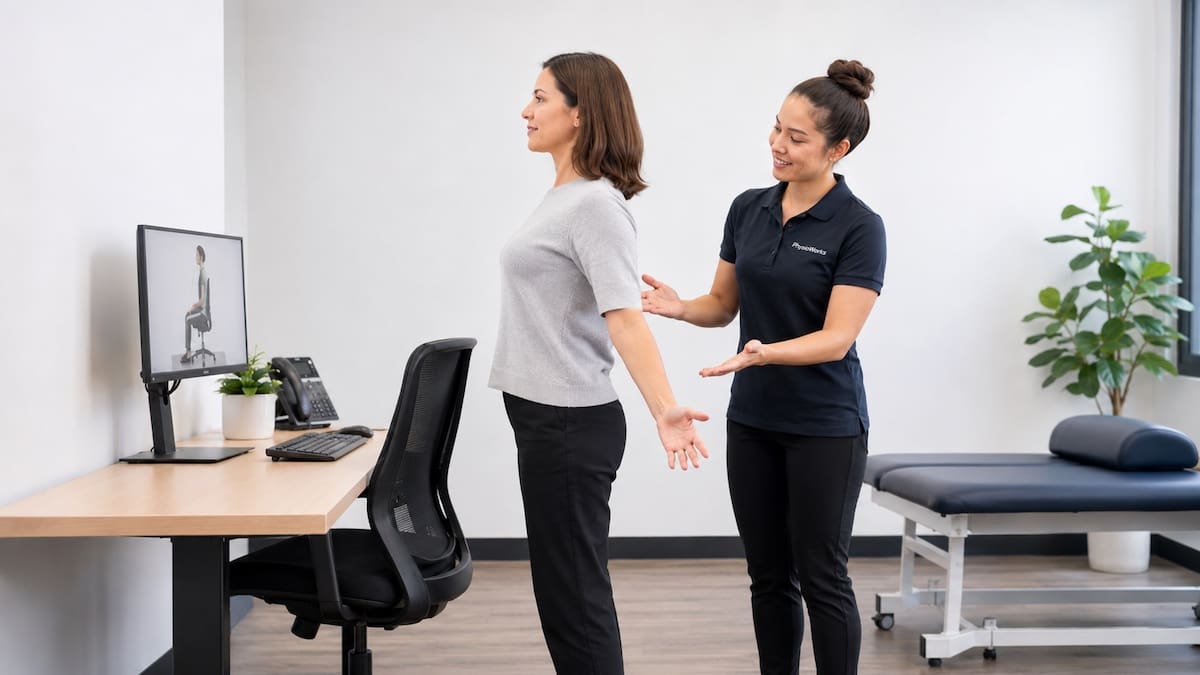
For further ideas, explore our Posture Exercises and Deep Core Muscles Guide.
Can Sitting Posture Cause Neck or Back Pain?
Sitting position may influence neck, shoulder or back symptoms, particularly when you remain in one position for long periods or repeatedly work in an uncomfortable setup.
However, posture alone does not explain most pain. Symptoms may also relate to physical capacity, activity levels, stress, sleep, workload or previous injury.
Improving your workstation and taking movement breaks may help. If symptoms persist, an individual assessment can help identify other contributing factors.
When Should You Seek Physiotherapy Advice?
Consider physiotherapy advice if sitting-related discomfort:
- Persists or keeps returning.
- Affects work, study, driving or sleep.
- Occurs with recurring headaches or neck stiffness.
- Includes arm or leg symptoms.
- Limits your usual activities despite practical adjustments.
A physiotherapist can assess your symptoms, movement, strength, work habits and workstation setup. Management may include ergonomic changes, appropriate exercises and a gradual plan to improve sitting tolerance.
Which Approach May Help?
The best next step depends on the problem you are experiencing.
Ergonomic Workstation Assessment
Explore workstation adjustments if your desk, chair or screen setup appears to contribute to discomfort.
Posture Correction
Learn about comfortable posture, movement habits and practical ways to vary your position.
Posture Exercises
Explore exercises that may help improve strength, movement confidence and physical capacity.
Physiotherapy
Consider an assessment when symptoms persist, recur or interfere with your usual activities.
What Should You Do Next?
Start with one or two simple changes. Adjust your chair or screen, bring frequently used items closer and find opportunities to move during the day.
If sitting-related pain persists, a physiotherapist can help assess whether your workstation, movement habits, strength or other factors may contribute to your symptoms.
Choose your clinic and appointment pathway
Select a PhysioWorks clinic to continue to live booking, an appointment request or reception assistance.
Posture Products
These posture products are commonly used by our physiotherapists to improve posture, postural strength, endurance and flexibility, plus assist home exercise programs.
-

- Braces & Supports, Back, Neck, Posture, Shoulder
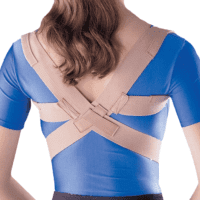
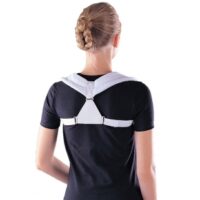
OPPO 2175 Posture Aid & Clavicle Brace
$59.95Select optionsQuick View -
-
- Back, Braces & Supports, Christmas Gift Ideas, Posture
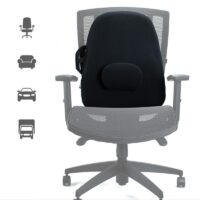
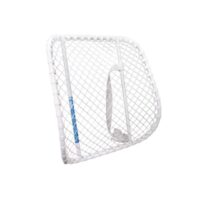
OBUSFORME Low Back Cushion
$159.99Add to cartQuick View -
 Back, Braces & Supports, Pillows/Cushions, Posture
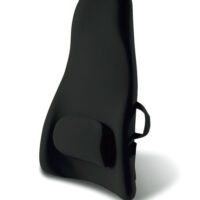
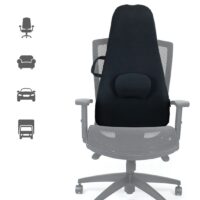
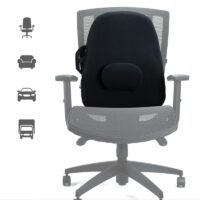
AllCare Deluxe Back Cushion
$56.00Add to cartQuick View -
- Back, Braces & Supports, Posture, Shoulder
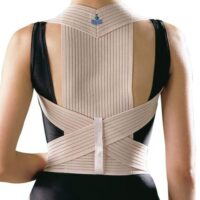
OPPO 2075 Posture Aid & Clavicle Brace
$35.00Select optionsQuick View - Gift Ideas, Back, Braces & Supports, Pillows/Cushions, Posture
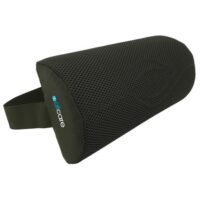
All Care Lumbar Support D-Roll
$20.50Add to cartQuick View -




Frequently Asked Questions
What is the correct sitting posture?
Correct sitting posture is a comfortable, supported position that suits your body and task. Rest your feet on the floor or a footrest, support your back where helpful and keep your shoulders relaxed. Change position regularly instead of remaining rigid.
Can poor sitting posture cause neck or back pain?
Sitting posture may contribute to discomfort, particularly during long periods without movement. However, pain often involves several factors, including workload, stress, sleep, physical capacity and previous injury.
How often should I take a break from sitting?
Moving briefly every 30 to 60 minutes is a useful starting point. Adjust the timing to suit your comfort, work and health needs. Standing, walking or simply changing your sitting position can provide variety.
Should my feet be flat when sitting?
Supporting your feet on the floor or a footrest is often comfortable. However, you can vary your leg position. Avoid remaining in a position that creates pressure, discomfort or symptoms.
Is standing better than sitting?
Standing is not automatically better than sitting. Both positions may become uncomfortable when held for long periods. Alternating sitting, standing and walking provides more movement variety.
When should I see a physiotherapist for sitting pain?
Consider an assessment if symptoms persist, keep returning, affect work or sleep, or interfere with daily activities. New or worsening neurological symptoms may require prompt medical assessment.
References
- Canadian Centre for Occupational Health and Safety. Working in a sitting position: good body position. Updated 2025.
- Guduru RKR, Domeika A, Obcarskas L, Ylaite B. The ergonomic association between shoulder, neck/head disorders and sedentary activity: a systematic review. J Healthc Eng. 2022;2022:5178333. doi:10.1155/2022/5178333.
- Waongenngarm P, van der Beek AJ, Akkarakittichoke N, Janwantanakul P. Effects of an active break and postural shift intervention on preventing neck and low-back pain among high-risk office workers: a 3-arm cluster-randomized controlled trial. Scand J Work Environ Health. 2021;47(4):306–317. doi:10.5271/sjweh.3949.
- Channak S, Spekle EM, van der Beek AJ, Janwantanakul P. The effectiveness of a dynamic seat cushion in preventing neck and low-back pain among high-risk office workers: a 6-month cluster-randomized controlled trial. Scand J Work Environ Health. 2024;50(7):555–566. doi:10.5271/sjweh.4184.